 vividsites
3D websites
3D websites, and how to build one
A 3D website draws a live scene in the browser, usually with Three.js on WebGL, so the page answers your scroll and your cursor instead of just playing a video. Below are 12 of the 155 3D builds in the Vivid Sites library. Each one is a real site with its own page showing what it does and the stack it's built on.
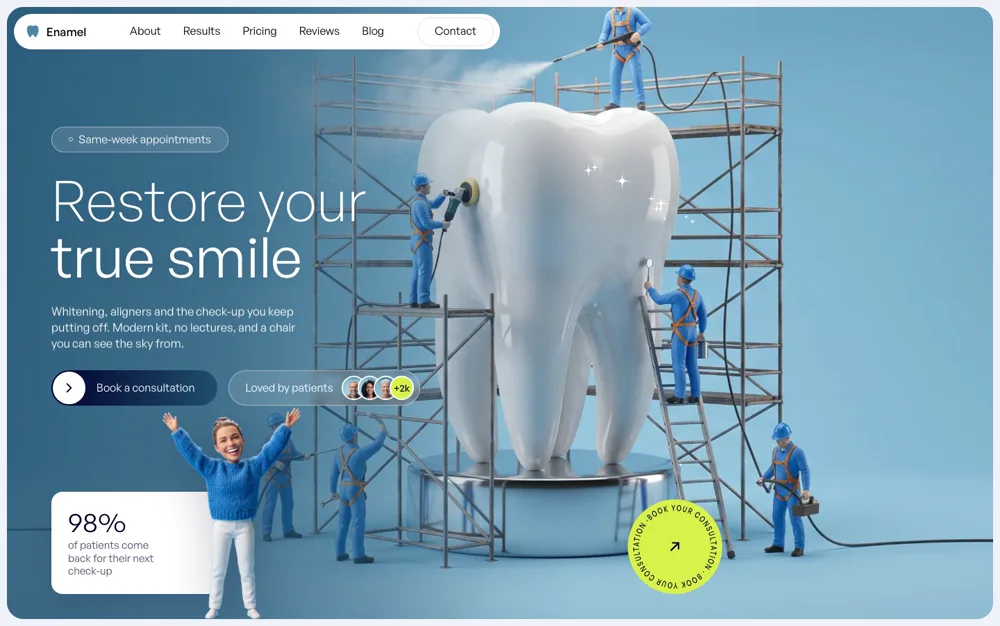
Dental Clinic
Enamel
HTML · Three.js · Cursor Polish

Matcha Room
Tencha
HTML · Three.js · Lenis

Smart Ring
Halo
HTML · Three.js · Cutaway
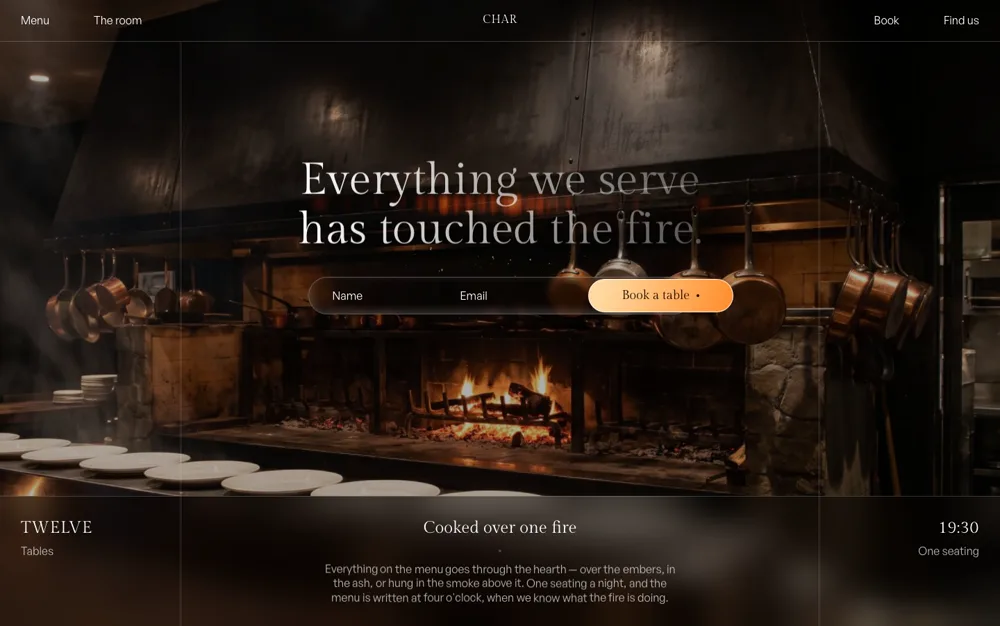
Restaurant
Char
HTML · Three.js · Fluid Fire
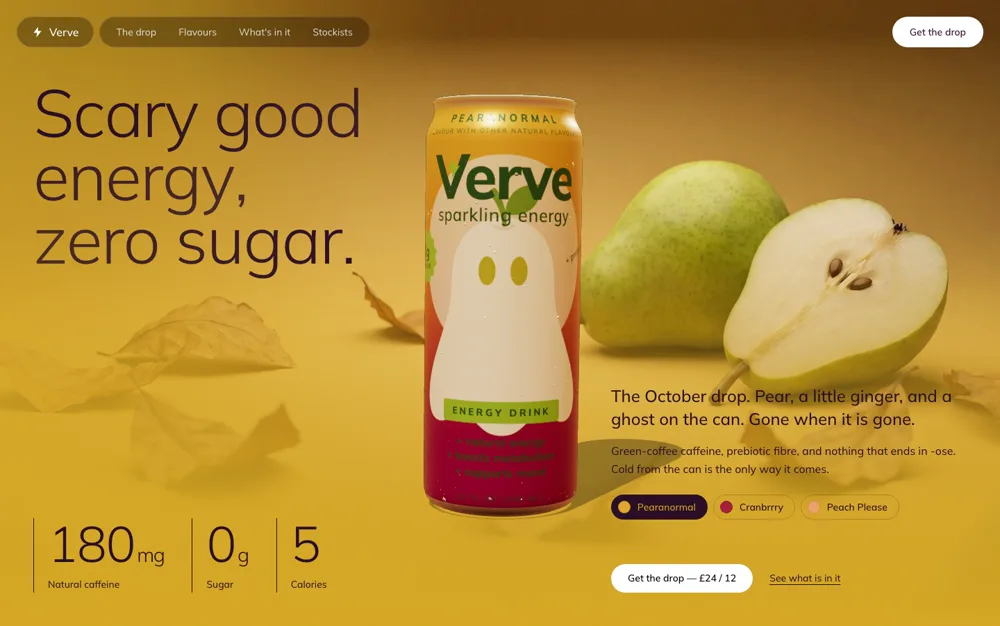
Sparkling Energy
Verve
HTML · Three.js · Simulated Sweat

Eyewear
Glare
HTML · Three.js · Computed Lenses
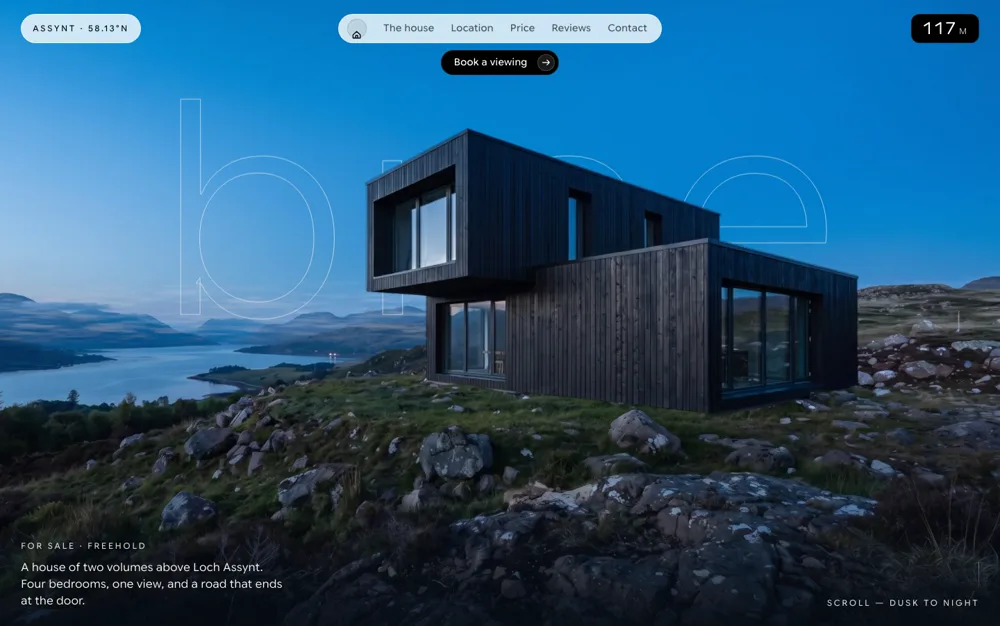
Property Listing
Brae
HTML · Three.js · Layered Plates

Athlete Profile
Riposte
HTML · Three.js · Cursor Reveal

Developer Portfolio
Dev
HTML · Three.js · Interactive Field

Portfolio
Brandt
HTML · WebGL · Cursor Scrub
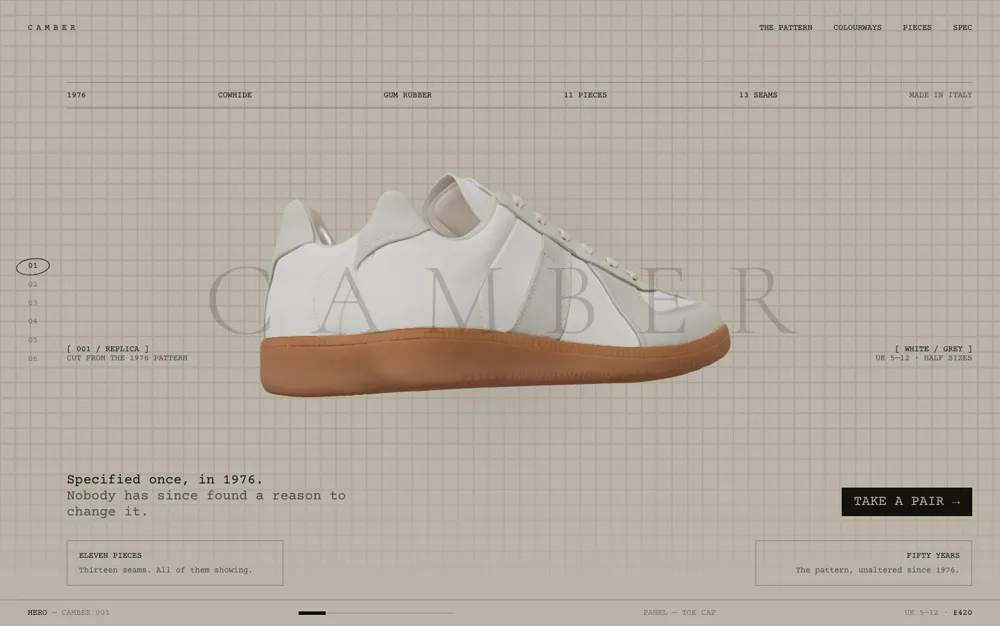
Army-Pattern Trainer
Camber
HTML · Three.js · Lenis
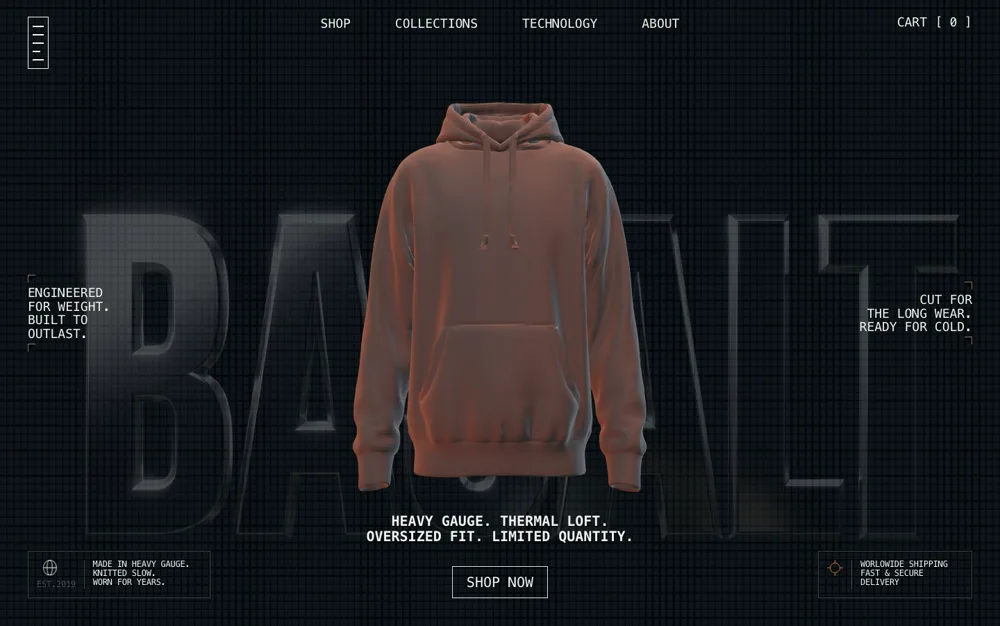
Technical Fleece
Basalt
HTML · Three.js · Lenis
What makes a 3D website work
- The 3D is the subject, not decoration. If the object could be swapped for any other object, it is decoration.
- One idea, rendered properly, beats five effects stacked on nothing. Post-processing like bloom is the last thing to reach for, not the first.
- It earns its weight. Three.js is a large dependency, so a hero that could just as easily be a video probably should be one.
More on this in Three.js, and how not to make it look generic.